Quick Targeting
Large and understandable goals respond with one touch; The rules are grasped in a few seconds.
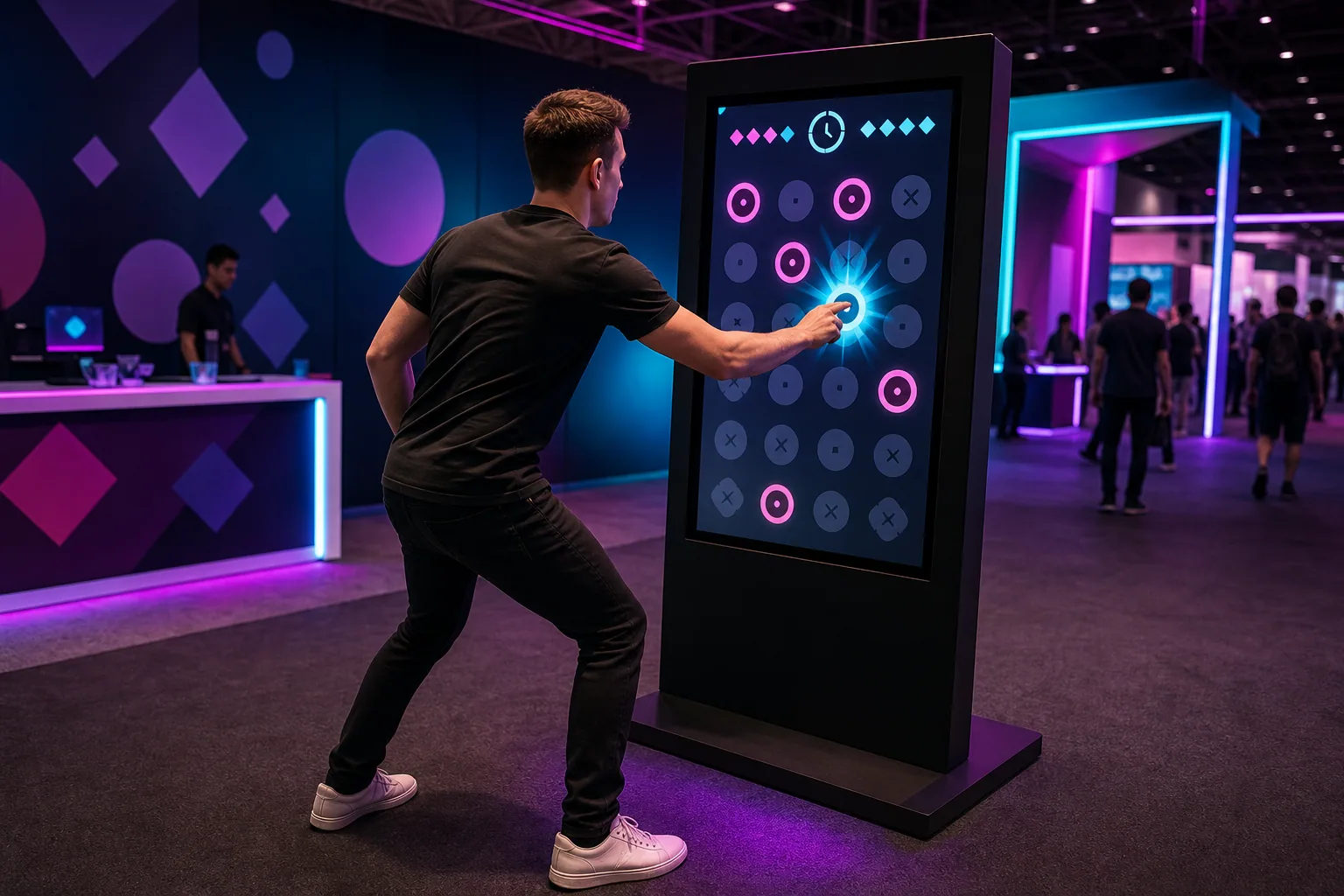
See the Right Target. Touch it quickly.
It requires touching the correct targets that appear briefly on the screen and avoiding misleading objects, 20–40 High-tempo reflex and attention play of seconds.
These figures are preliminary planning ranges. Final capacity, space and installation plans are confirmed after a site survey.
Together, we configure the core features around your project goals, participant flow and available space.
Large and understandable goals respond with one touch; The rules are grasped in a few seconds.
The wrong objects and varying appearance times measure the reflex with accuracy.
The errors can reset the series while consecutive correct touches raise the score multiplier.
65 Single for inch touch kiosk, recommended 45 Second-time round: tap the right characters, avoid traps. As speed increases, accurate touches earn points, errors lower points.
Events and touchpoints where this experience works best.
Customization options, from visual style to game flow.
The final technical plan is confirmed using the site survey and event details.
Core components of planning, production and delivery.
The right service option depends on duration, location, customization and operational scope.
Quick answers about use cases, customization and technical requirements.
It requires touching the correct targets that appear briefly on the screen and avoiding misleading objects, 20–40 High-tempo reflex and attention play of seconds.
Youth and sports events; Fast visitor activation; Brand awareness campaigns.
Target and objects to avoid; Tempo, level and lap time; Score, QR or campaign result.
220 V power, a level and accessible kiosk installation, and a suitable multi-touch screen; A stable internet connection and the relevant peripherals are required for QR, leaderboard, coupon or prize integrations; If a chance-based result or reward is to be used, the conditions of participation, stock, eligibility, and data flow are approved before publication; An open kiosk area is recommended that meets the screen and visitor order that supports multi-touch; The frequency and terms of use of campaign outputs are approved prior to the project.
Add the product to your quote list. We'll use your event details to define the scope, installation and service option together.