Fluid Corridor Control
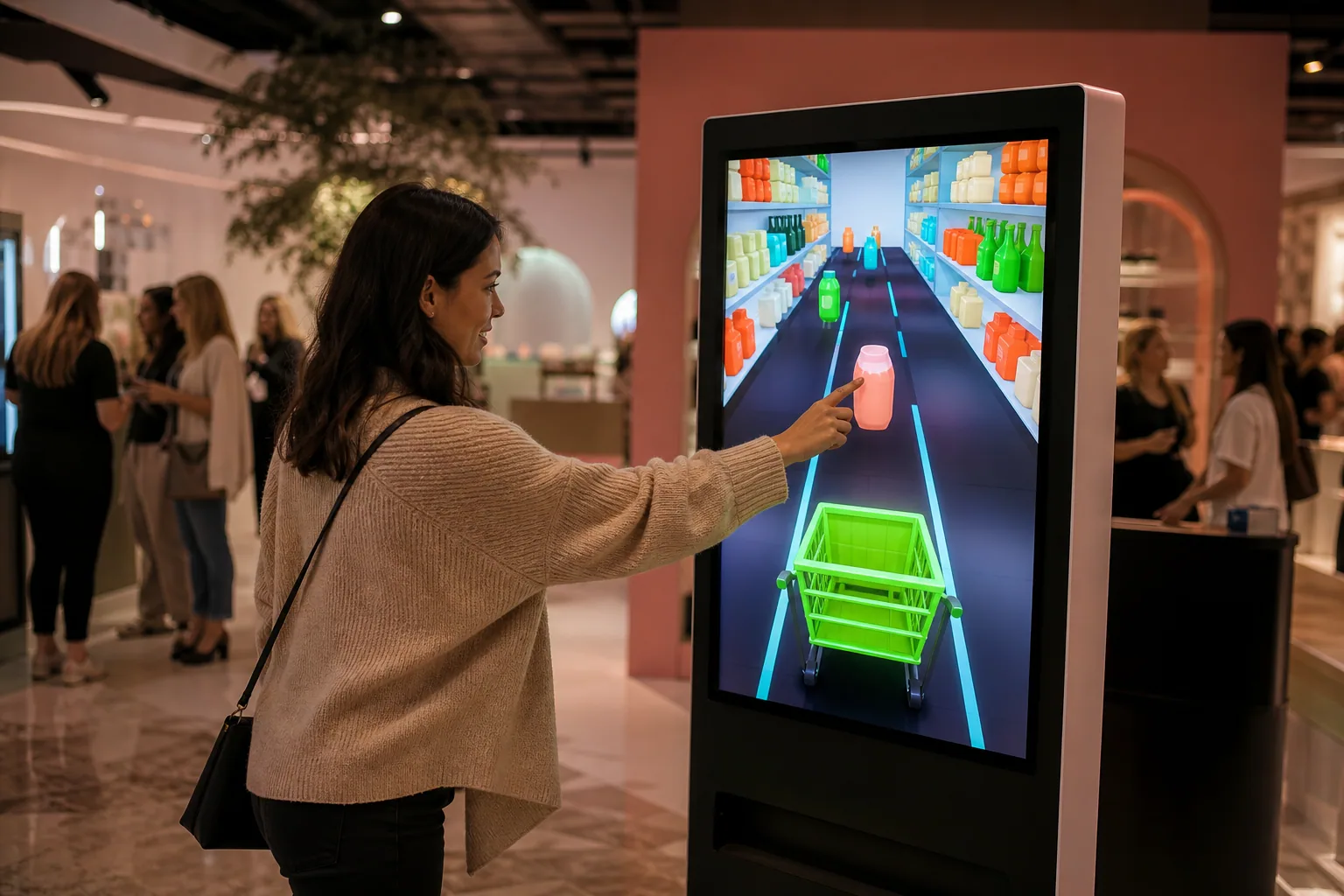
The move moves the shopping cart between the corridors, while the touch adds the right product to the basket.
See List. Collect the Right Products in the Corridor.
The player is guided by the virtual shopping cart in the grocery aisle with quick touch and scroll movements, collecting the desired products and avoiding the wrong choices. 30–60 A one-second game of kiosks.
These figures are preliminary planning ranges. Final capacity, space and installation plans are confirmed after a site survey.
Together, we configure the core features around your project goals, participant flow and available space.
The move moves the shopping cart between the corridors, while the touch adds the right product to the basket.
By targeting different product groups in each round, the brand portfolio can be discovered within the game.
Complete list optional QR, coupon, membership or campaign can be directed to the attendance stream.
Events and touchpoints where this experience works best.
Customization options, from visual style to game flow.
The final technical plan is confirmed using the site survey and event details.
Core components of planning, production and delivery.
The right service option depends on duration, location, customization and operational scope.
Quick answers about use cases, customization and technical requirements.
The player is guided by the virtual shopping cart in the grocery aisle with quick touch and scroll movements, collecting the desired products and avoiding the wrong choices. 30–60 A one-second game of kiosks.
In-market activations; Fast-moving consumer products launches; Mall and family events.
Market and shelf design; Product list and barriers; Time, score and campaign integration.
220 V power, a level and accessible kiosk installation, and a suitable multi-touch screen; A stable internet connection and the relevant peripherals are required for QR, leaderboard, coupon or prize integrations; If a chance-based result or reward is to be used, the conditions of participation, stock, eligibility, and data flow are approved before publication; Product visual rights, campaign editing, screen direction, touch panel and if available QR or membership integration is pre-approved.
Add the product to your quote list. We'll use your event details to define the scope, installation and service option together.