Finger Route
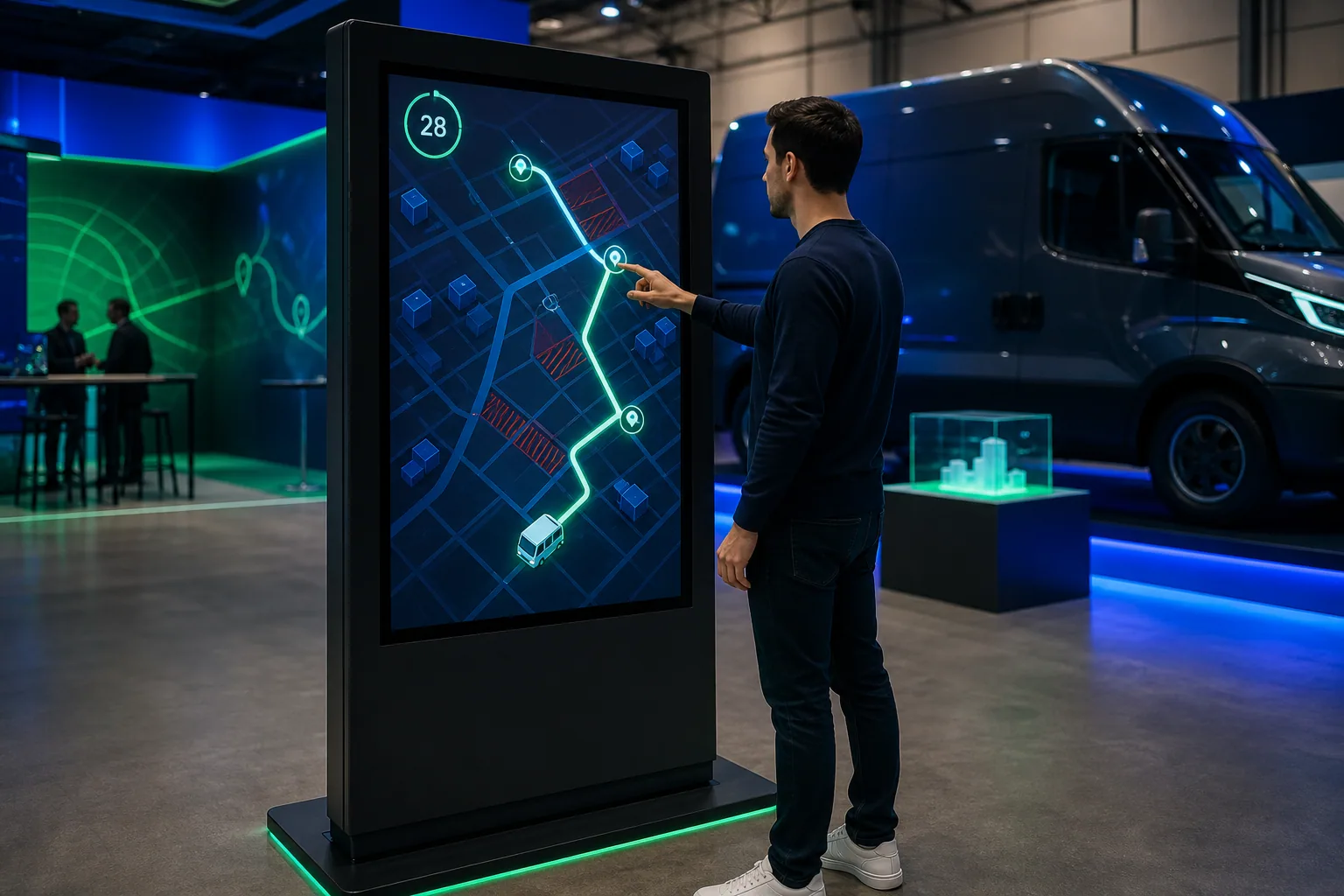
The player directs the vehicle by creating a continuous line on the map.
Draw the course. Finish Delivery the Shortest Way.
Finger-drawing the most efficient way across obstacles between the starting and delivery points, approximately 30–60 Second-second planning and optimization game.
These figures are preliminary planning ranges. Final capacity, space and installation plans are confirmed after a site survey.
Together, we configure the core features around your project goals, participant flow and available space.
The player directs the vehicle by creating a continuous line on the map.
Closed roads, timed crossings, and priority stops can differentiate each round.
Distance, order of delivery, and completion time are compared to the ideal route.
Events and touchpoints where this experience works best.
Customization options, from visual style to game flow.
The final technical plan is confirmed using the site survey and event details.
Core components of planning, production and delivery.
The right service option depends on duration, location, customization and operational scope.
Quick answers about use cases, customization and technical requirements.
Finger-drawing the most efficient way across obstacles between the starting and delivery points, approximately 30–60 Second-second planning and optimization game.
Logistics and mobility brands; Smart city events; E-commerce campaigns.
City, facility or festival map; Stop, obstacle and vehicle contact; Score, QR and the result of the campaign.
220 V power, a level and accessible kiosk installation, and a suitable multi-touch screen; A stable internet connection and the relevant peripherals are required for QR, leaderboard, coupon or prize integrations; If a chance-based result or reward is to be used, the conditions of participation, stock, eligibility, and data flow are approved before publication; If the map, stop and pass rules must represent physical reality, the source data is provided by the customer; The kiosk screen is tested to detect drawing motion without delay.
Add the product to your quote list. We'll use your event details to define the scope, installation and service option together.