Intuitive Launch
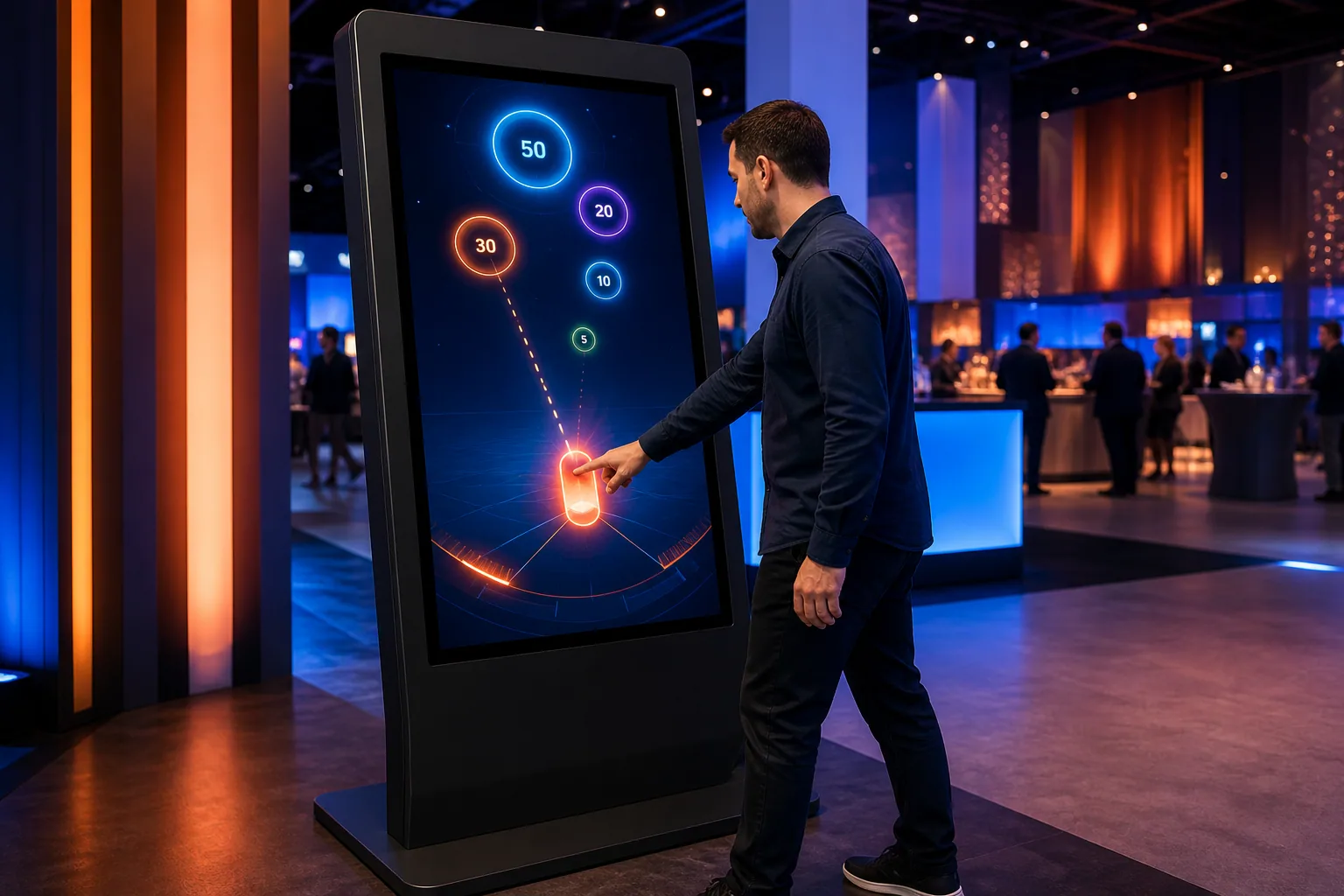
With a single drag-and-drop motion, the angle and force of the shot are naturally controlled.
Set the Force. Launch Product to Target.
The player is able to set angles and power on the touchscreen, throwing the digital product at moving targets, about 20–45 Easy-to-learn kiosk skill game for seconds.
These figures are preliminary planning ranges. Final capacity, space and installation plans are confirmed after a site survey.
Together, we configure the core features around your project goals, participant flow and available space.
With a single drag-and-drop motion, the angle and force of the shot are naturally controlled.
Goals of different distance and point values create a new shooting decision each round.
Isbet, center strike and remaining time are approximated 20–45 It merges into a one-second score.
Events and touchpoints where this experience works best.
Customization options, from visual style to game flow.
The final technical plan is confirmed using the site survey and event details.
Core components of planning, production and delivery.
The right service option depends on duration, location, customization and operational scope.
Quick answers about use cases, customization and technical requirements.
The player is able to set angles and power on the touchscreen, throwing the digital product at moving targets, about 20–45 Easy-to-learn kiosk skill game for seconds.
Product launches; Fair and festival stands; Retail campaigns.
Product model and target world; Shooting physics and lap time; Optional QR, coupon or campaign result.
220 V power, a level and accessible kiosk installation, and a suitable multi-touch screen; A stable internet connection and the relevant peripherals are required for QR, leaderboard, coupon or prize integrations; If a chance-based result or reward is to be used, the conditions of participation, stock, eligibility, and data flow are approved before publication; It requires a convenient touchscreen, gaming computer, and reliable electrical connection; For QR, coupon or prize integrations, campaign rules and access to external systems are defined in advance.
Add the product to your quote list. We'll use your event details to define the scope, installation and service option together.