Flip with One Touch
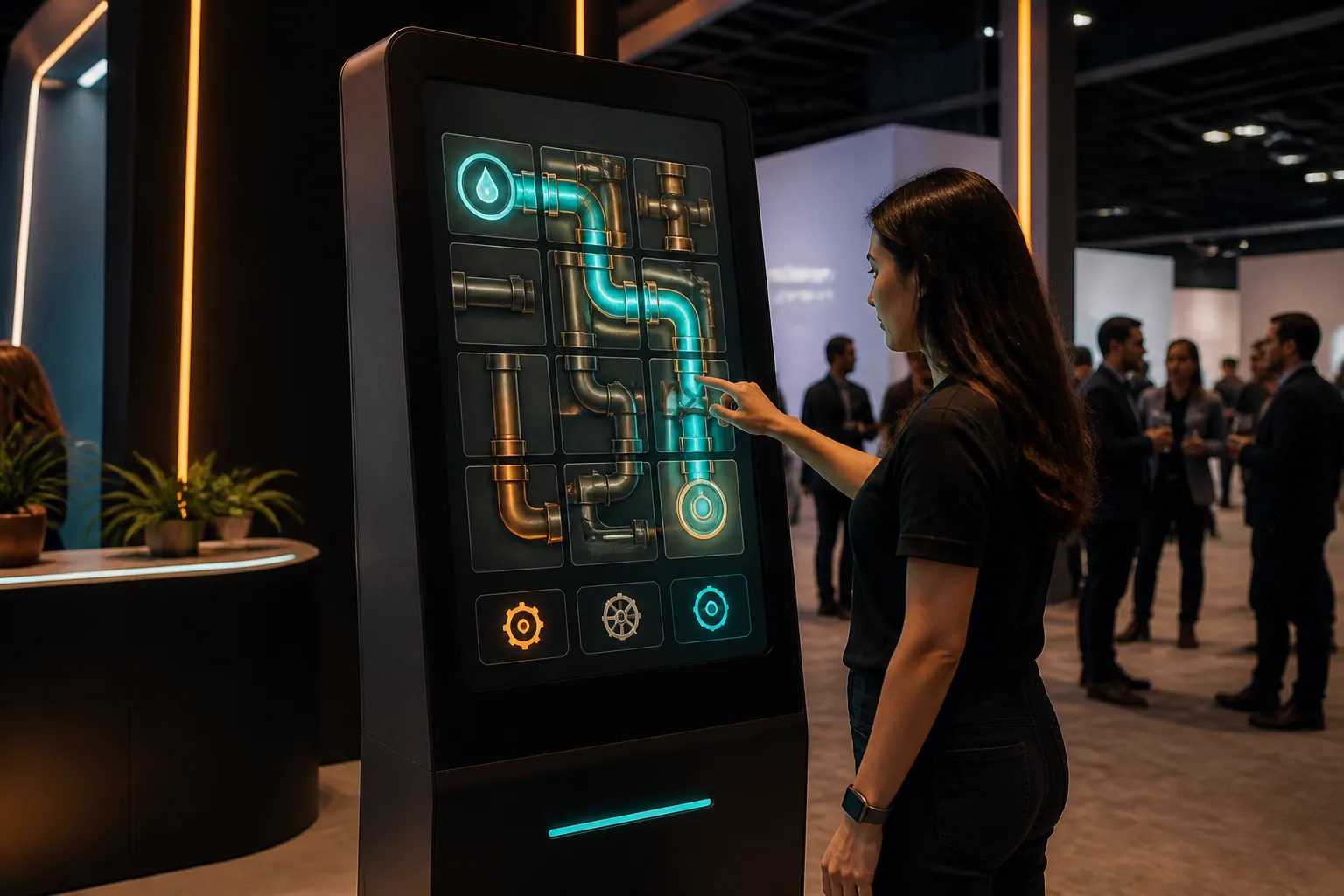
Each touch returns the selected piece; The simple control structure makes the game understandable at first glance.
Turn the pieces. Reach Flow to Target.
The player turns the pipe parts by touching and attaches the product, energy or water flow from start to target without time running out. 30–60 A one-second kiosk puzzle game.
These figures are preliminary planning ranges. Final capacity, space and installation plans are confirmed after a site survey.
Together, we configure the core features around your project goals, participant flow and available space.
Each touch returns the selected piece; The simple control structure makes the game understandable at first glance.
The lines connected correctly are filled with color and animation, showing progress instantly.
Grid size, duration, and locked parts can be easily configured to the target audience.
One or two persons, recommended 90 rotates parts in seconds, making continuous lines from source to lamp. Low-movement and early completion bonus; It can be adapted with brand-themed energy visuals.
Events and touchpoints where this experience works best.
Customization options, from visual style to game flow.
The final technical plan is confirmed using the site survey and event details.
Core components of planning, production and delivery.
The right service option depends on duration, location, customization and operational scope.
Quick answers about use cases, customization and technical requirements.
The player turns the pipe parts by touching and attaches the product, energy or water flow from start to target without time running out. 30–60 A one-second kiosk puzzle game.
Energy and infrastructure activities; Production brand launches; Areas of Education and Sustainability.
Flow agent and target product; Pipe or coupling graphics; Level, duration and final animation.
220 V power, a level and accessible kiosk installation, and a suitable multi-touch screen; A stable internet connection and the relevant peripherals are required for QR, leaderboard, coupon or prize integrations; If a chance-based result or reward is to be used, the conditions of participation, stock, eligibility, and data flow are approved before publication; Horizontal or vertical touchscreen selection, kiosk processor, electricity and campaign integrations are clarified in project discovery.
Add the product to your quote list. We'll use your event details to define the scope, installation and service option together.