Progressive Locks
The vault opens with multiple short timing steps and each step gives the player instant feedback.
Catch the indicator. Try Opening the Vault.
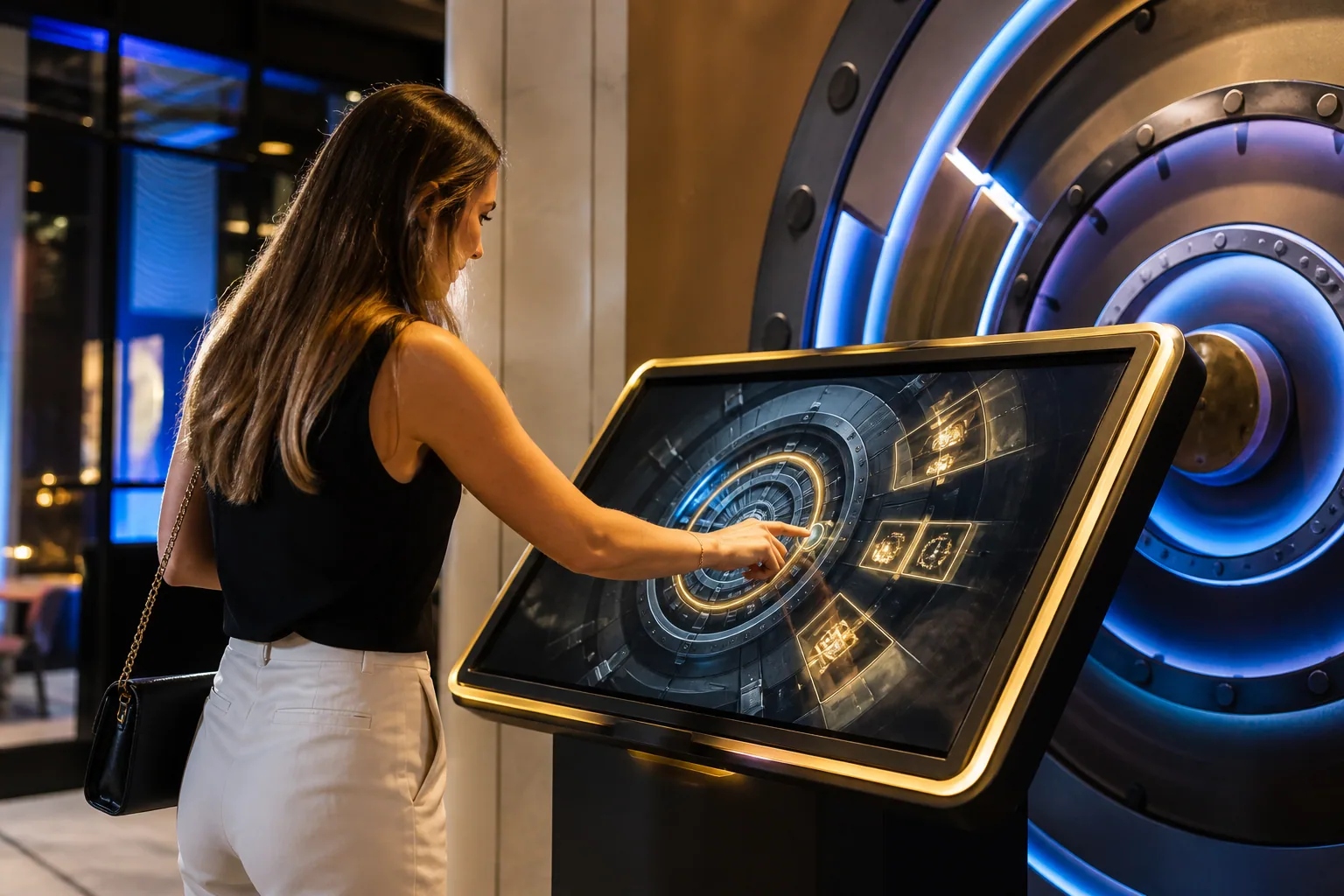
The participant tries to unlock the digital vault by stopping the moving indicators in the right area, 30–60 A second-time timing and reflex game.
These figures are preliminary planning ranges. Final capacity, space and installation plans are confirmed after a site survey.
Together, we configure the core features around your project goals, participant flow and available space.
The vault opens with multiple short timing steps and each step gives the player instant feedback.
The tolerance to stop the moving indicator at the right time can be adjusted to different age and skill levels.
Successful or completed tour, content, points or appropriate according to campaign editing QR It can be linked to the result.
Events and touchpoints where this experience works best.
Customization options, from visual style to game flow.
The final technical plan is confirmed using the site survey and event details.
Core components of planning, production and delivery.
The right service option depends on duration, location, customization and operational scope.
Quick answers about use cases, customization and technical requirements.
The participant tries to unlock the digital vault by stopping the moving indicators in the right area, 30–60 A second-time timing and reflex game.
Finance and technology events; Premium product launches; Corporate competition areas.
The vault and key visual world; Number of stages and difficulty; Final animation and result integration.
220 V power, a level and accessible kiosk installation, and a suitable multi-touch screen; A stable internet connection and the relevant peripherals are required for QR, leaderboard, coupon or prize integrations; If a chance-based result or reward is to be used, the conditions of participation, stock, eligibility, and data flow are approved before publication; The measure of success, the distribution of results, and the campaign benefits if they exist are predefined; The result of the game does not create a reward guarantee alone; The kiosk screen, volume and turn of participation are planned according to the event area.
Add the product to your quote list. We'll use your event details to define the scope, installation and service option together.