How to Play?
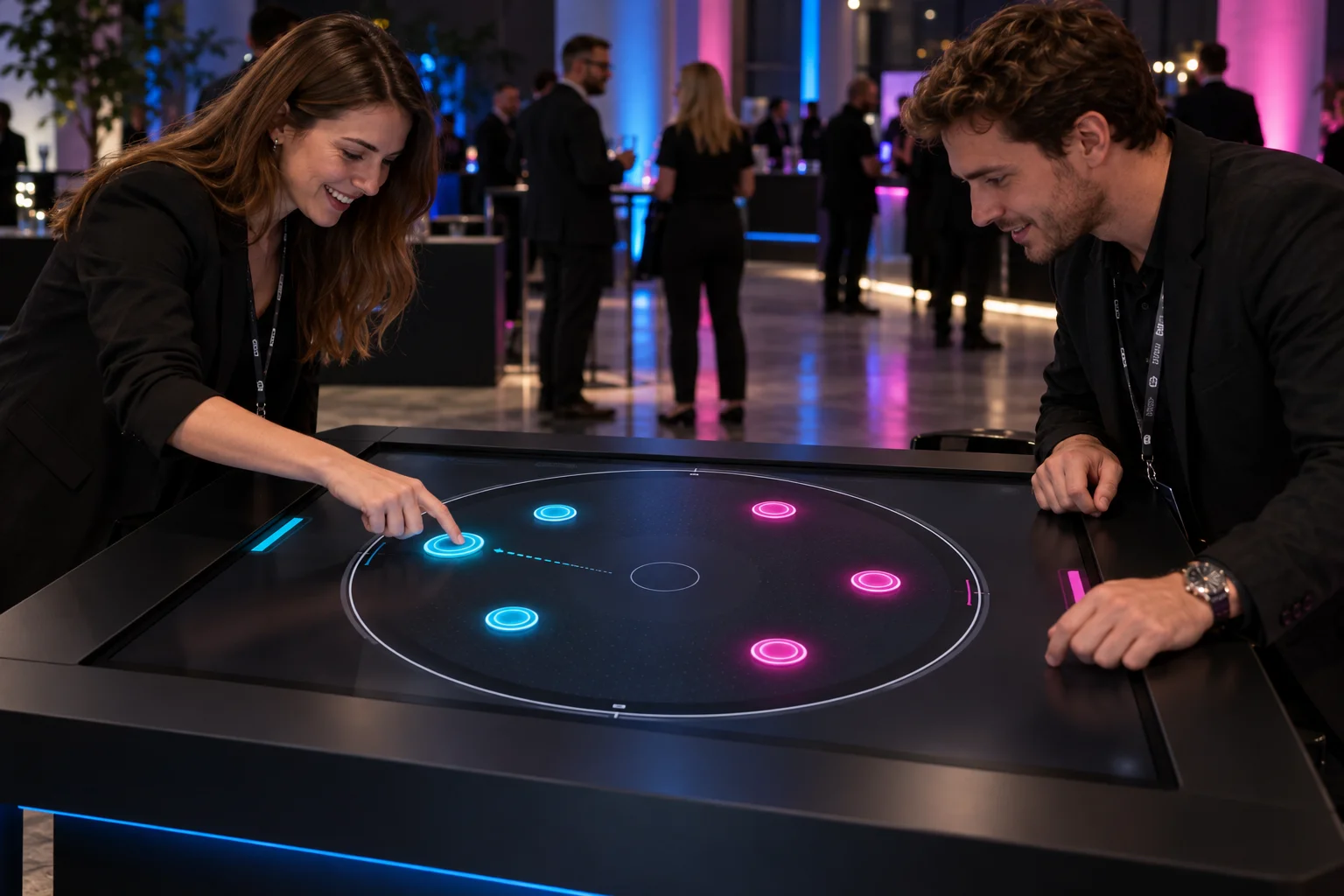
When your turn comes, pull a disc back and determine the direction and strength of the shot.
Meet at the Same Table. Get In The Game.
Direct your discs with strategic shots and remove the opponent's discs from the arena. Turn-based table game based on power and angle selection.
These figures are preliminary planning ranges. Final capacity, space and installation plans are confirmed after a site survey.
Together, we configure the core features around your project goals, participant flow and available space.
When your turn comes, pull a disc back and determine the direction and strength of the shot.
Wins who removes all the opponent's discs; If the time is over, the number of disks remaining in the field is compared.
Arena shape, number of disks, and team visuals can be changed.
Events and touchpoints where this experience works best.
Customization options, from visual style to game flow.
The final technical plan is confirmed using the site survey and event details.
Core components of planning, production and delivery.
The right service option depends on duration, location, customization and operational scope.
Quick answers about use cases, customization and technical requirements.
Direct your discs with strategic shots and remove the opponent's discs from the arena. Turn-based table game based on power and angle selection.
Fair and brand stands; Mall events; Corporate playing areas.
Arena shape, number of disks, and team visuals can be changed; Logo, interface colors and result screen; Session language, difficulty and tour time.
220 V power, a level floor suitable for the equipment's weight and an easily accessible screen height; Stable internet connection if online score, record or share is to be used; It requires a horizontal touchscreen/table and compatible gaming computer that supports simultaneous touches; For multiple players, simultaneous touch, access distance, and screen direction are tested with actual hardware; Safe electrical connection, fixed-screen mounting and comfortable player circulation in the environment are provided.
Add the product to your quote list. We'll use your event details to define the scope, installation and service option together.